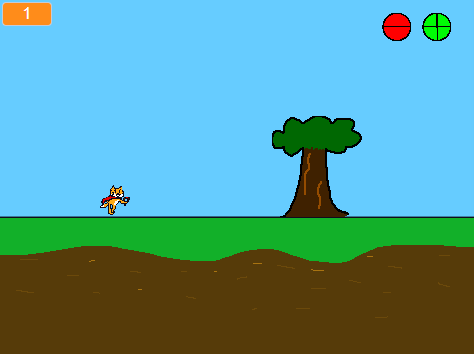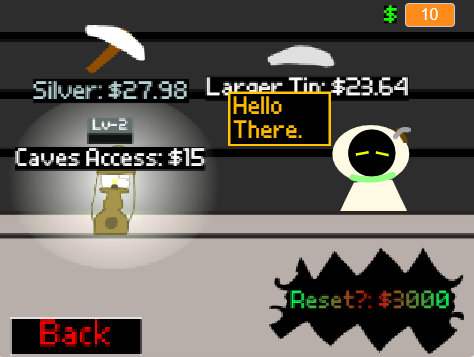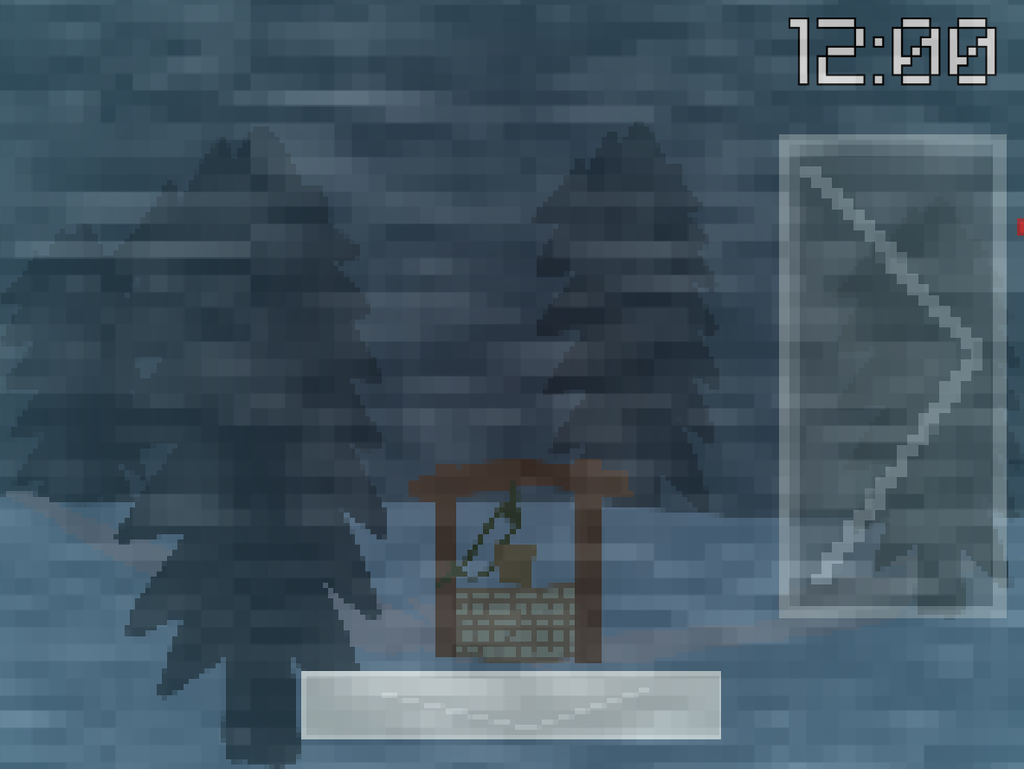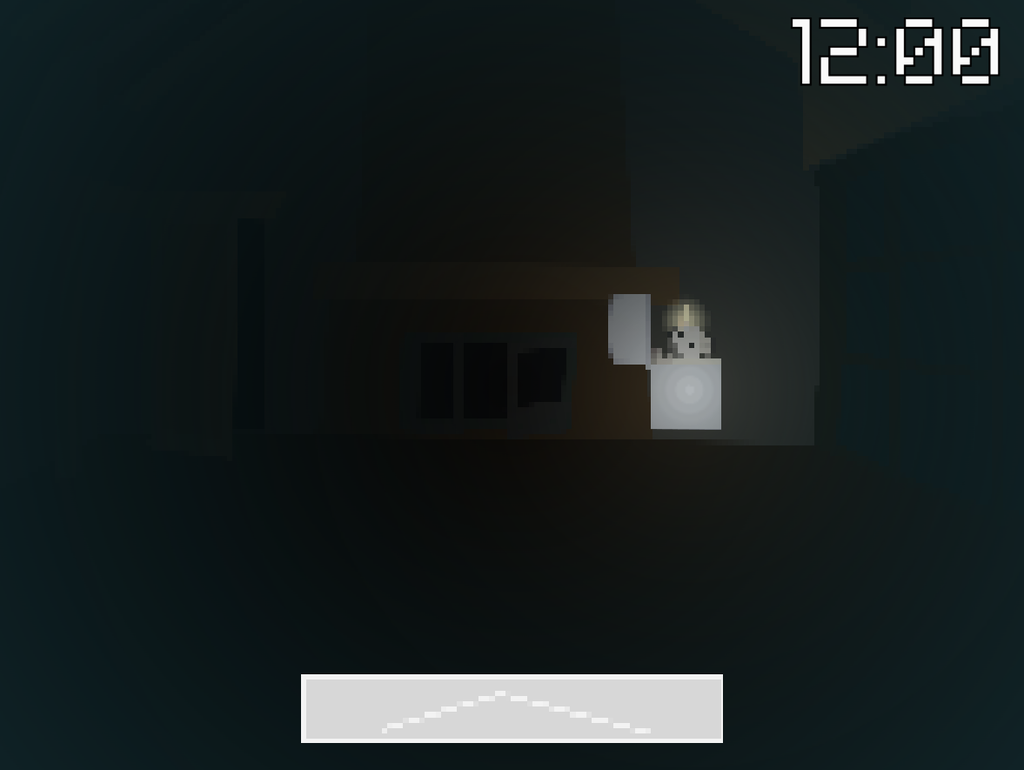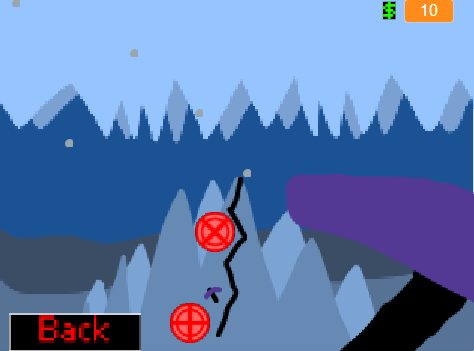
I’ve been creating scratch games on the side since I was in 7th grade, and while they aren’t very challenging, they do inspire me to be creative.
Languages/Software used
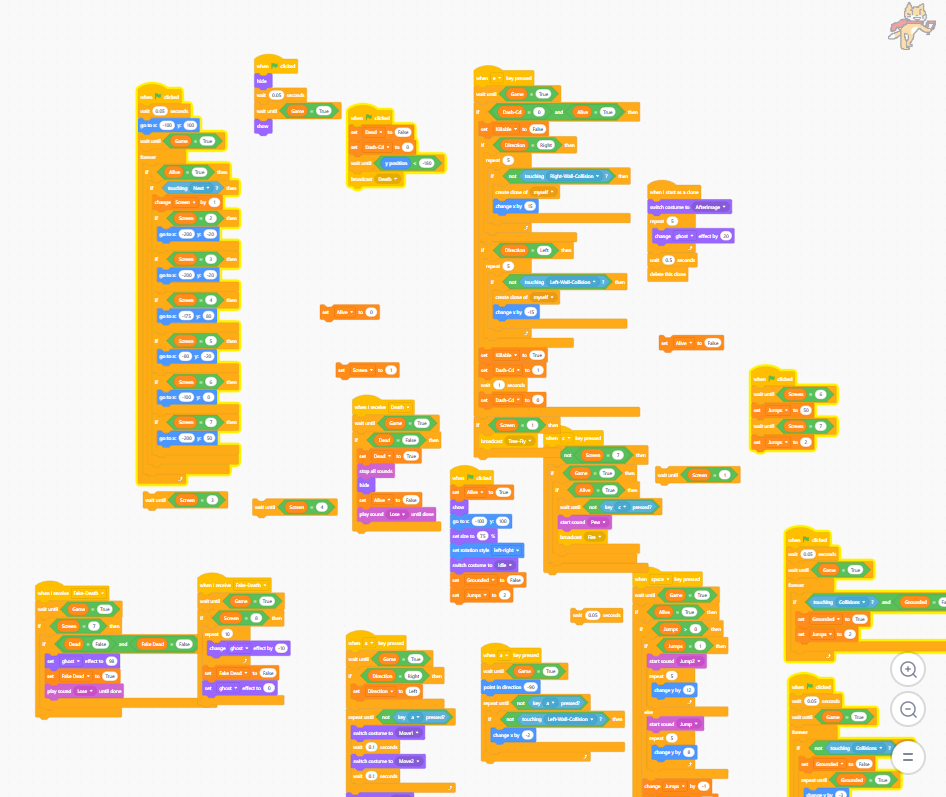
Scratch uses block coding for its coding language, and I obviously used the Scratch website to make my games. Sometimes however I can use Adobe Illustrator to better create my sprites as Scratch and Adobe Illustrator use the same image format, that being a vector type format.
What I Have Learned
Although it hasn’t been exactly the most challenging of coding languages, for the most part, to learn things with their coding language. I’ve still been able to learn a few things about the coding style and expand on them, plus I’ve had to learn how to draw a lot.
- How to make user input
- How to draw proper sprites using raster and vector
- Making gravity and jumping
- Making a lot of conditional statements
- Shop systems
- Hit collision
- How to make choppy animations
- How to make a save/load system
- Modifiers that can change the game in small, or big, ways
I’ve learned to become more creative with my outlook on problems and challenges. I also gained the motivation to try more complex coding languages from Scratch, for example Roblox studio and other applications like Godot, although I don’t have enough time with Godot to make a whole portfolio with it unfortunately.
Struggles Faced
I’ve had to force myself to learn how to draw, and sprite work. Sometimes the things I’m trying to make require a lot of thinking to make as well, the save/load system for example. I have been able to overcome most, if not all of these challenges however and they’ve encouraged me to be more creative with my outlook on problems, like I said in the previous paragraph.
Gallery of Images