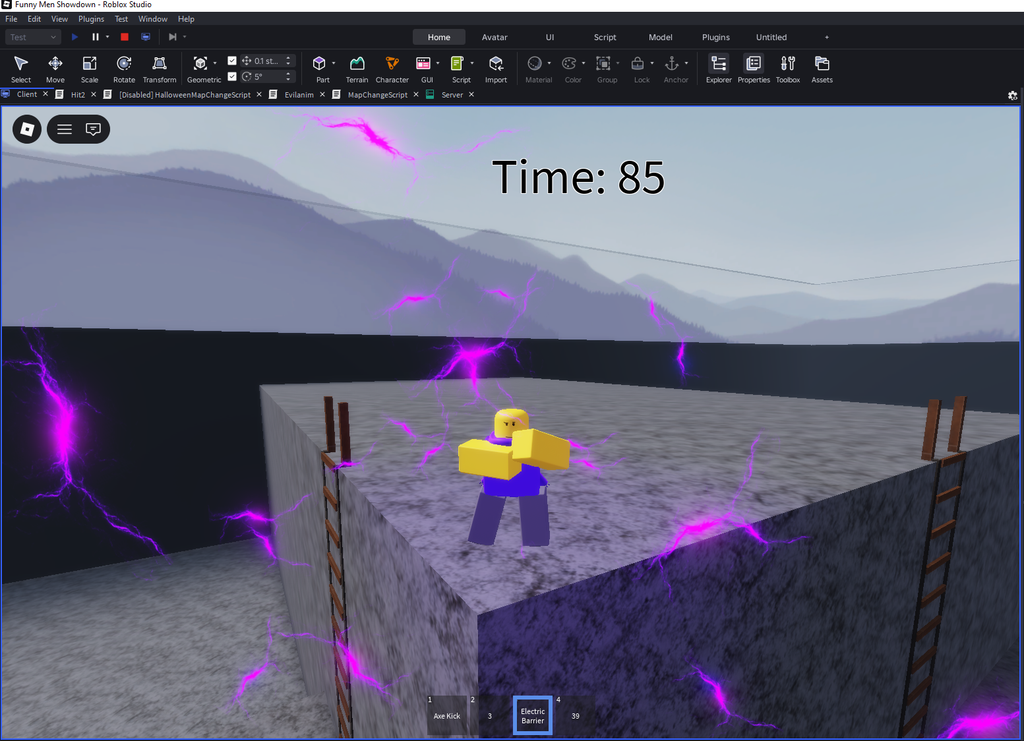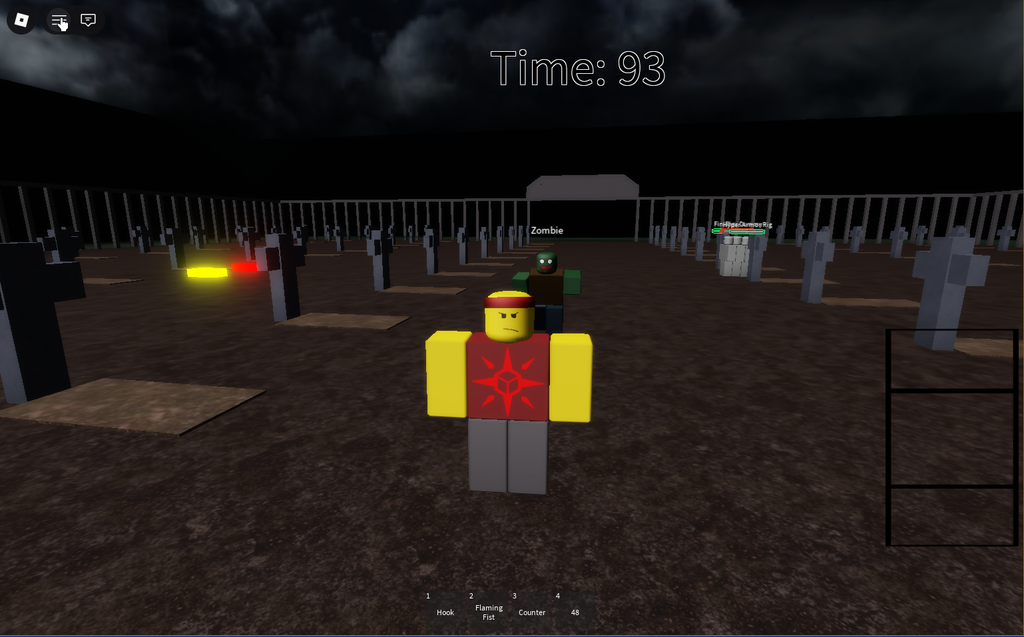
For a while now I have been trying to make games with Roblox studio, and although you may think that Roblox might be childish and for kids, it’s slowly catering more towards teens and adults plus you can make some really interesting things with it. Over time I’ve been slowly improving and progressing. From using free models and assets to build a shoddy hangout place, to coding entire games that work exactly like I want them to. Roblox has been a rocky road of learning, as its learning curve is rather harsh as you go from not really understanding anything, to maybe understanding a bit, to finally being able to make as much as you want.
Languages/Software used
I have used primarily Luau for all the coding on this project as it is housed on Roblox which Luau is their primary coding language. For the software I used Roblox Studio (Roblox’s built in coding application). I refuse to use A.I in my projects in any way shape or form, such as making the code, idea crafting, image creation, etc. Everything that can be made by me is made by me, as I prefer my games to be made by me, shockingly.
What I’ve Learned
I have learned a load of things and ideas from Roblox Studio over my time working on it, and I’ve used said ideas to help make other games better and revive dead projects that I couldn’t figure something out in the past. Every new idea or function I learn how to code better expands what I can do on previous and future projects.
- Learning how to anchor a player to another player.
- Learning how to control and change CFrame (Object’s position in the world).
- Learning how to force a player’s camera to a certain spot.
- Learning how to create a response to another player’s action.
- Learning a lot of categorizations with objects and models.
- Learning how to force a player to move forwards without any input.
- Learning how to create new player models that a player can take over and control.
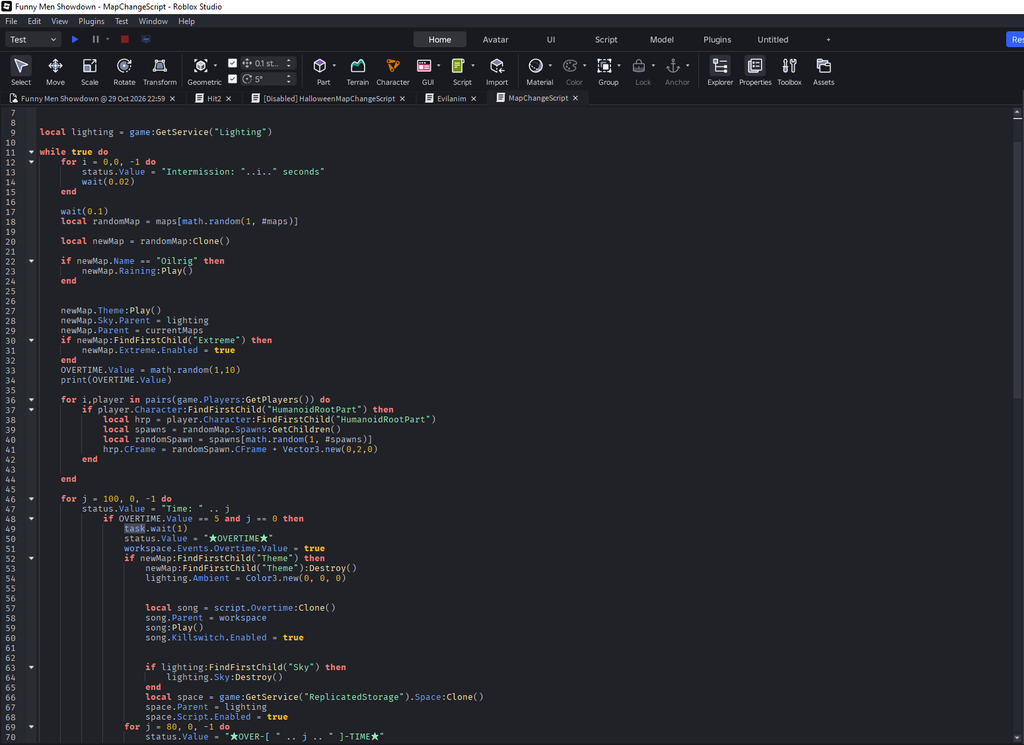
- Learning how to create a map switching system with an overtime feature.
- Learning how to draw in order to create assets for the game
- Learning how to animate 3d models, and improving my skill for that over time.
Roblox studio has challenged me to think more logically on ideas and to test my limits on things I think I couldn’t do before. Being a harder coding language then say something like a block coding language IE: Scratch, Code.org, etc. I have had to really use my brain and figure out huge ideas like procedural generation, or how to create enemy A.I that can chase you down and attack you, or how to completely change your character. All in all, I’ve learned loads of things I can use with future projects and have had a steady growth in my coding journey.
Struggles Faced
I have also faced many struggles with this project as more often than not code does not like to work. Most of the struggles faced are more of a user error thing however, and I’ve been able to bounce back after I mess something up.
I’ve never spent more than 3 days trying to fix one of my errors, however. The most annoying issue is when a single letter is messed up, or something just genuinely won’t work and I have no idea why, which in turn forces me to rewrite that entire part of the code. I don’t give up on fixing issues though, and I will keep trying to fix them unless I physically cannot at the time in which I will come back to the game on a later date to try and actually make it work again.
Gallery of Images
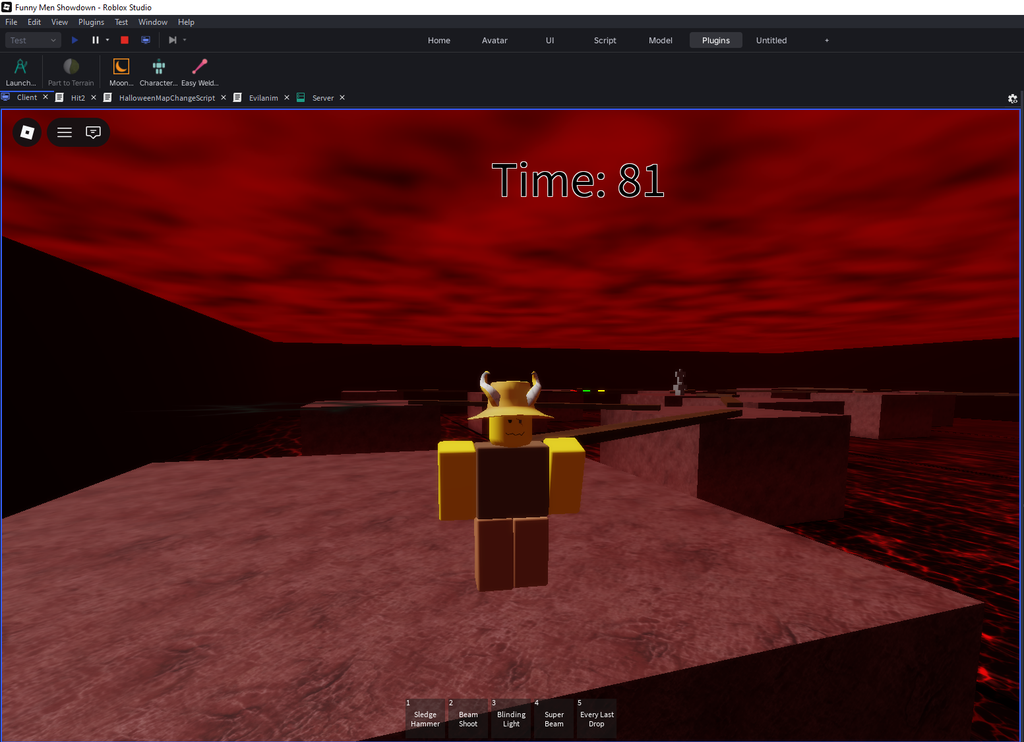
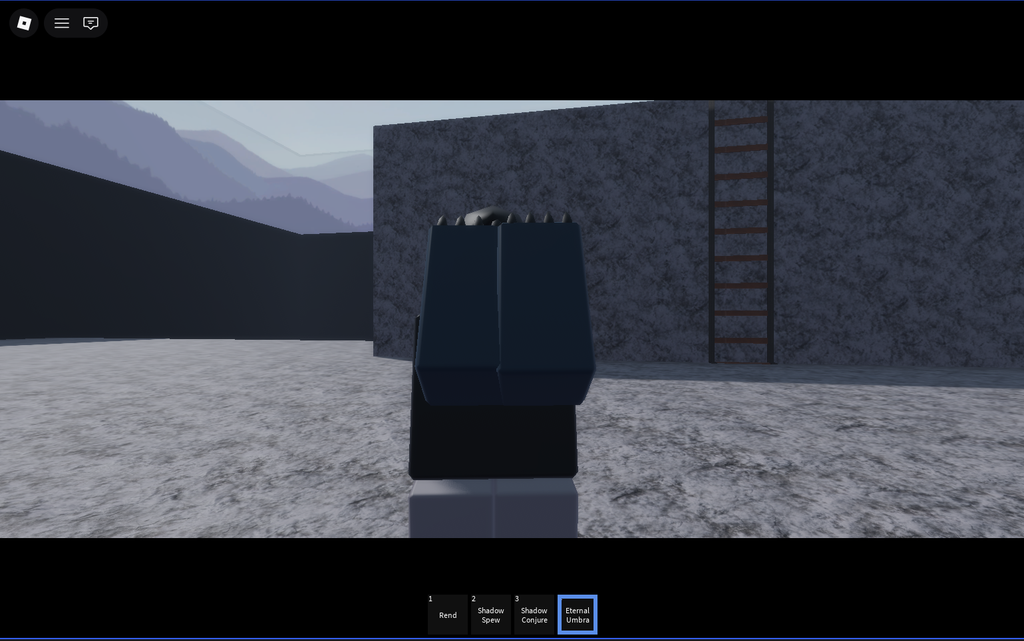
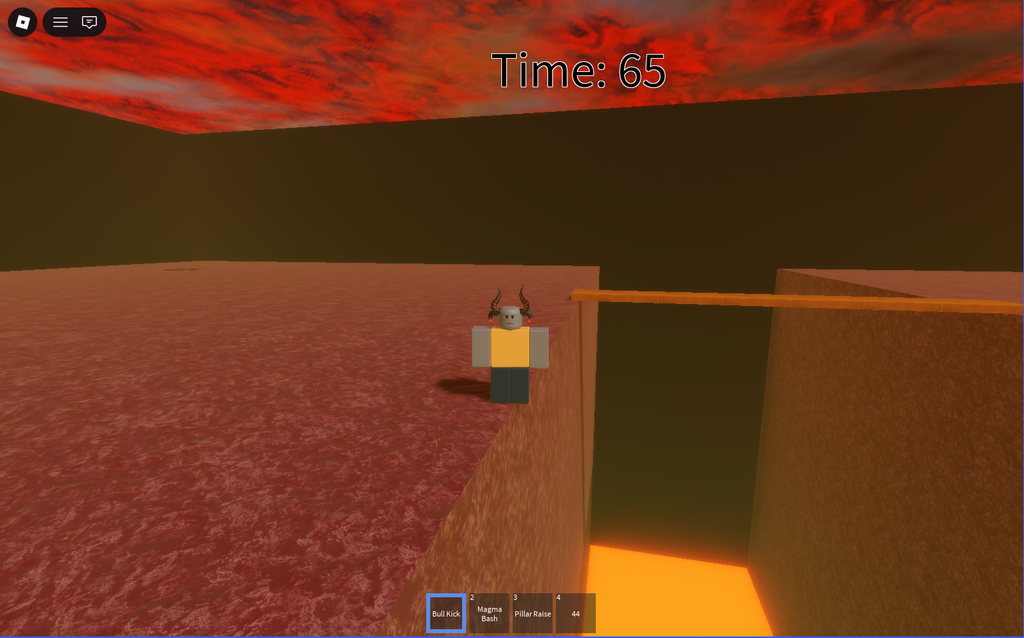
Here are some images from some of the games that I’ve made, they might not look much right now but I will only improve.